CATEGORIES
How to Share Community With Your Audience?
When your community is live, make sure to invite everyone you know. You can do it either directly by email or by sharing a link.
Direct invitation
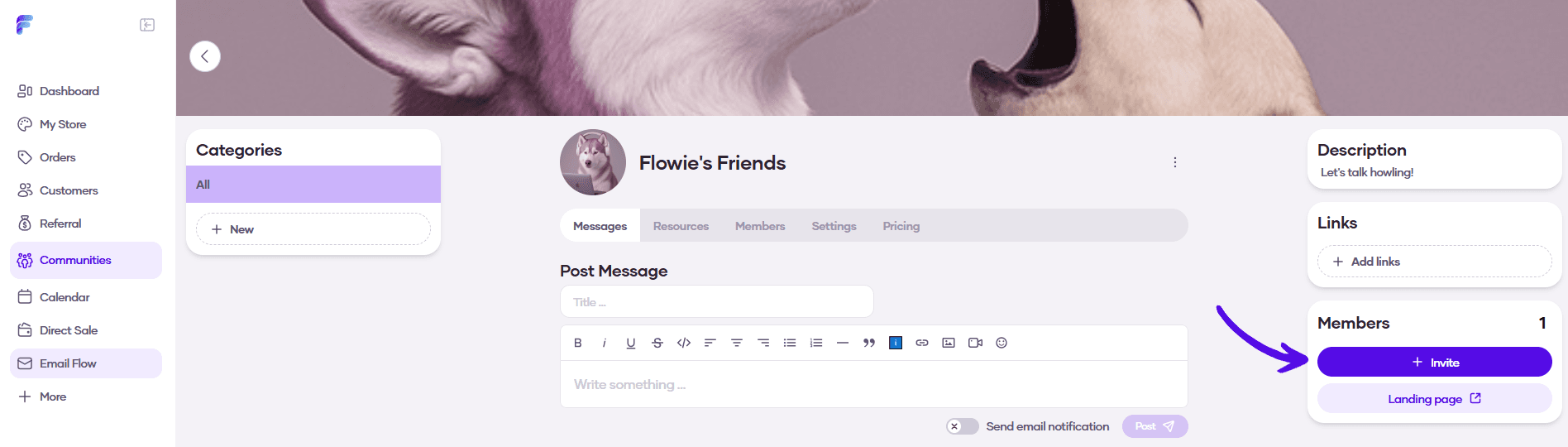
1. On your community page, click on the Invite button on the right
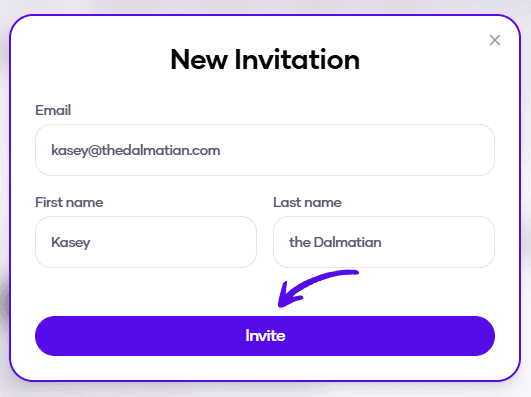
2. Enter the email, along with the first and last name of the person you want to invite, and hit Invite
Sharing the link
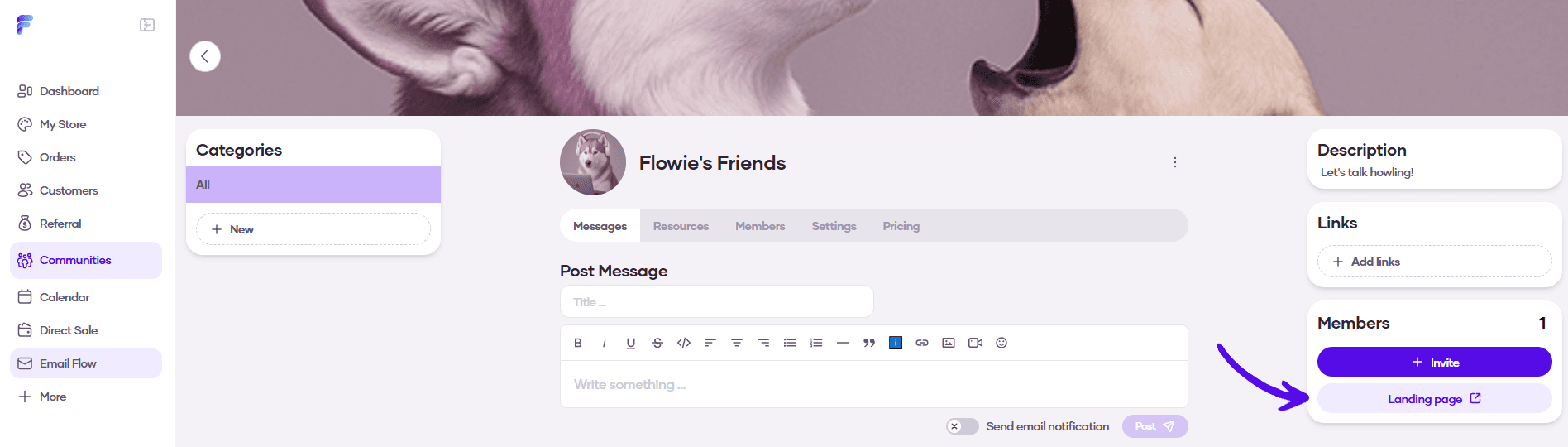
1. A second option is to share your landing page link, where people can join your community. Click on the Landing page button in the right sidebar and then copy the URL of the landing page.