CATEGORIES
How to Manage Community Members?
We know it's important to keep track of your community members. That's why we made it super simply to browse them.
Managing community members
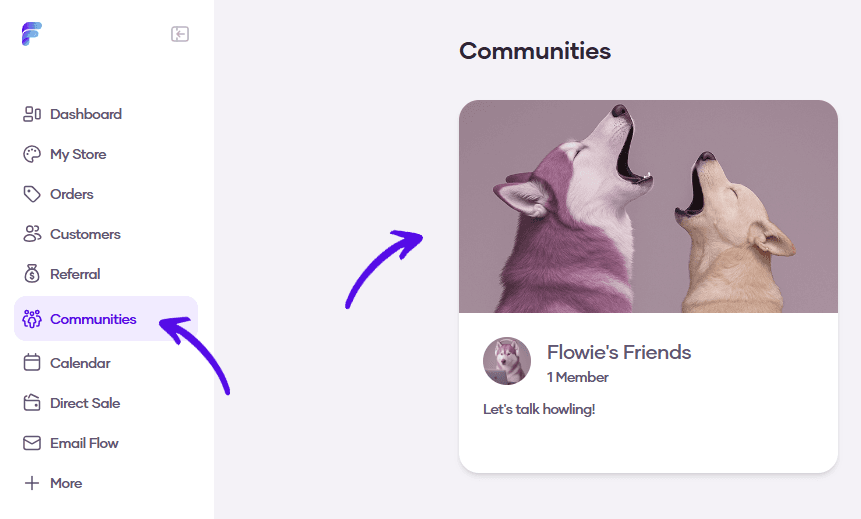
1. Go to Communities and select your community
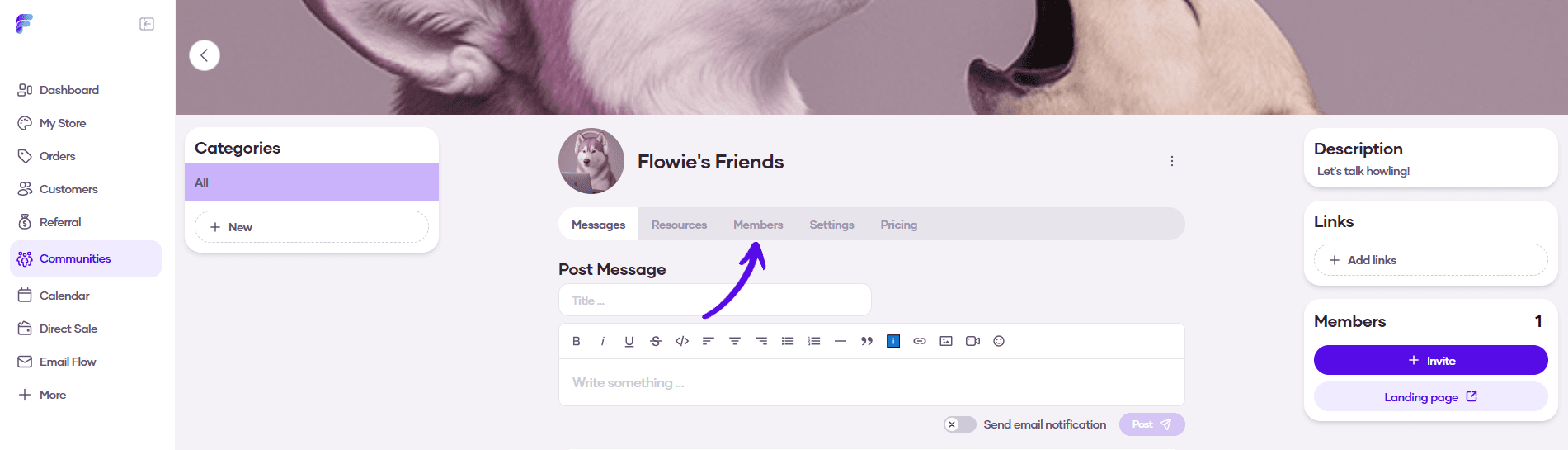
2. In the community menu, go to Members
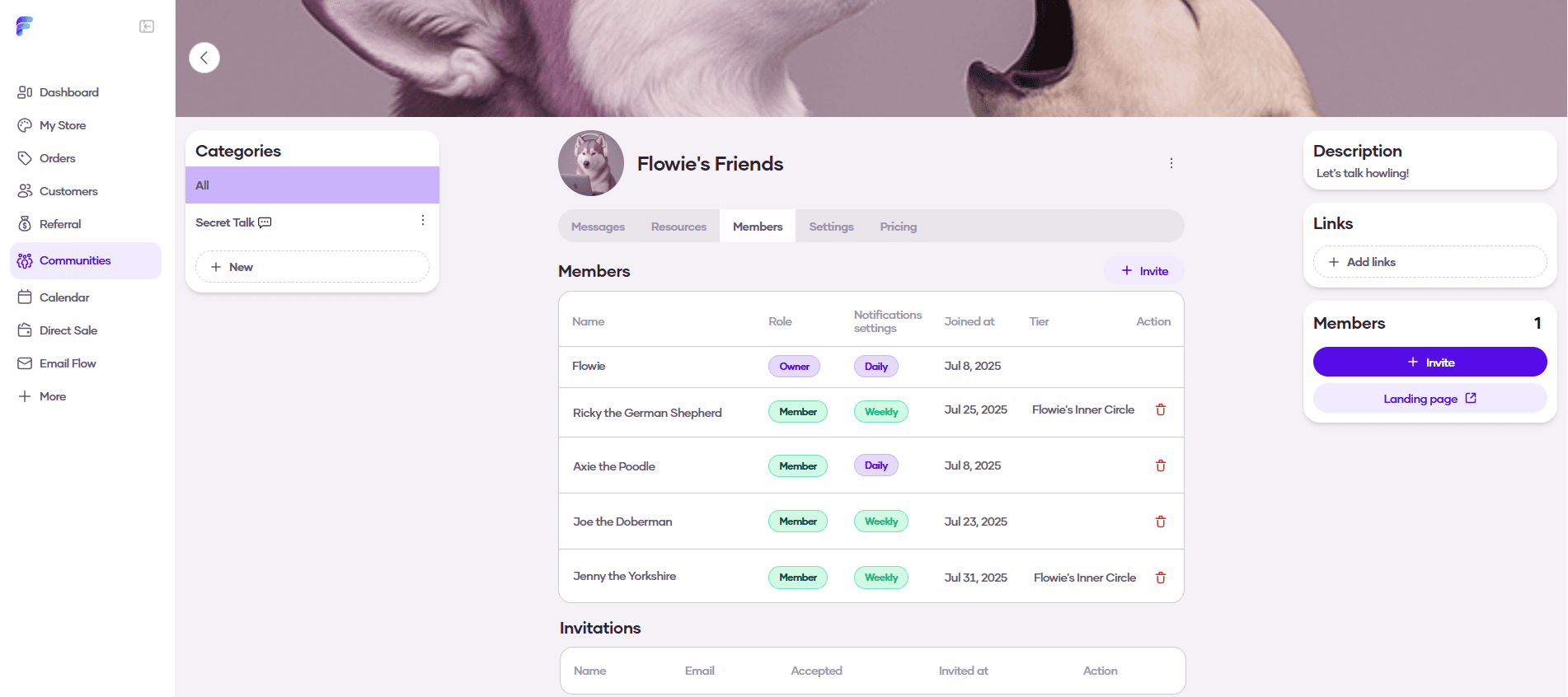
3. Here you can see all your community members, along with their role, notification settings, date joined, and subscription tier. This is also where you can remove a member from the community.