CATEGORIES
How to Edit a Course Lesson?
Keep your lessons nice and fresh with easy edits.
Editing a course lesson
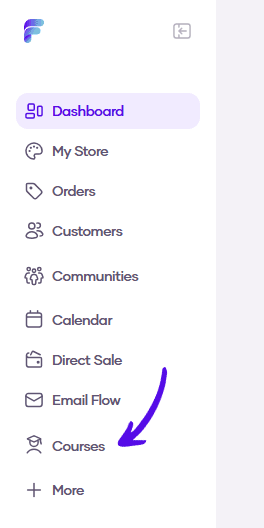
1. Go to Courses in the left sidebar menu
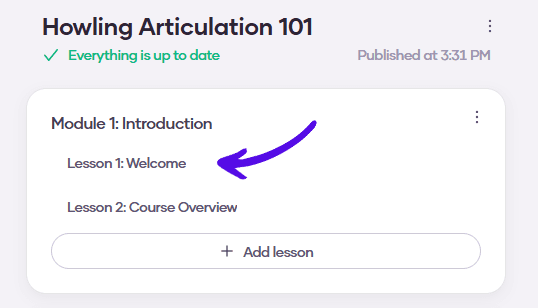
2. Choose the course you want to edit

3. Click on the lesson you want to edit
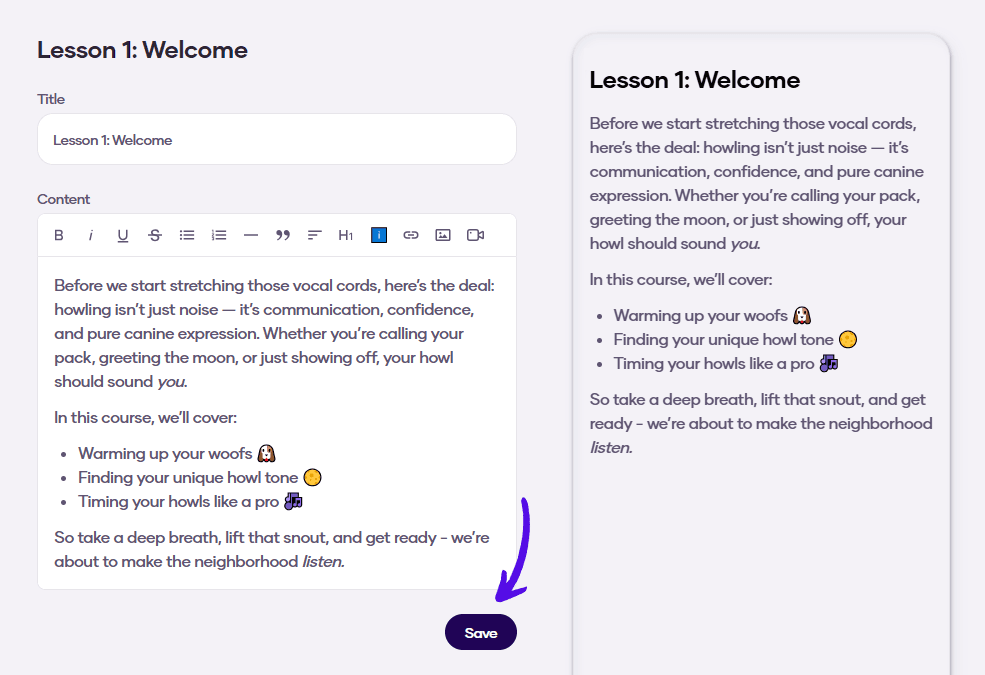
4. Make the desired changes and confirm them by hitting Save