CATEGORIES
How to Edit a Course?
If your course needs an update, you can do it no time.
Editing a course
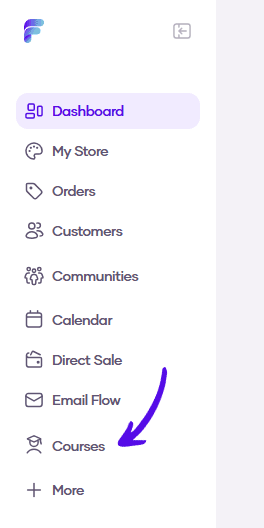
1. Go to Courses in the left sidebar menu
2. Click on the course you want to edit

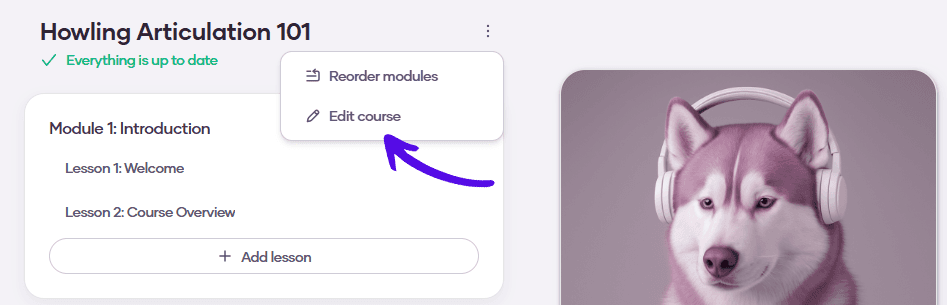
3. Click on the three dots and choose Edit course
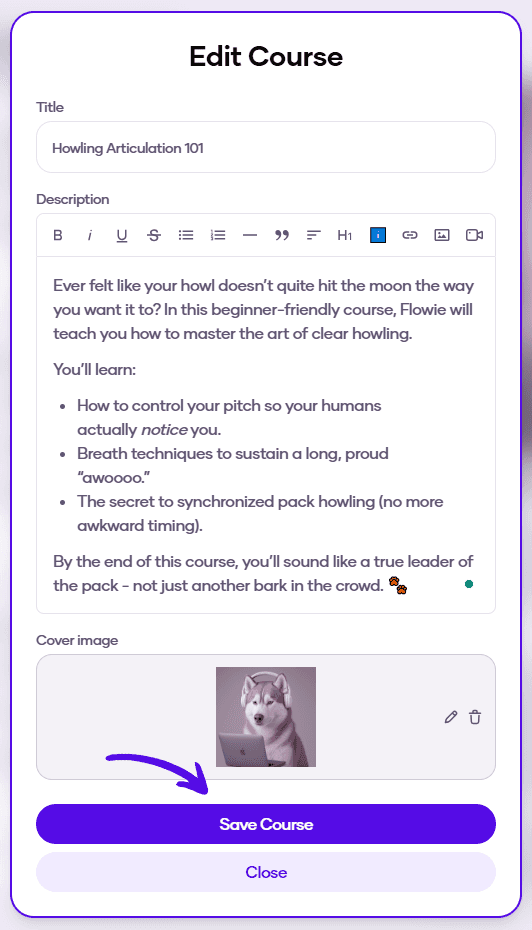
4. Edit the desired information and click on Save Course