CATEGORIES
How to Edit a Community Landing Page?
Your community landing page is what everyone outside your community will see. Make it appealing, so you get as many members as possible!
Editing a community landing page
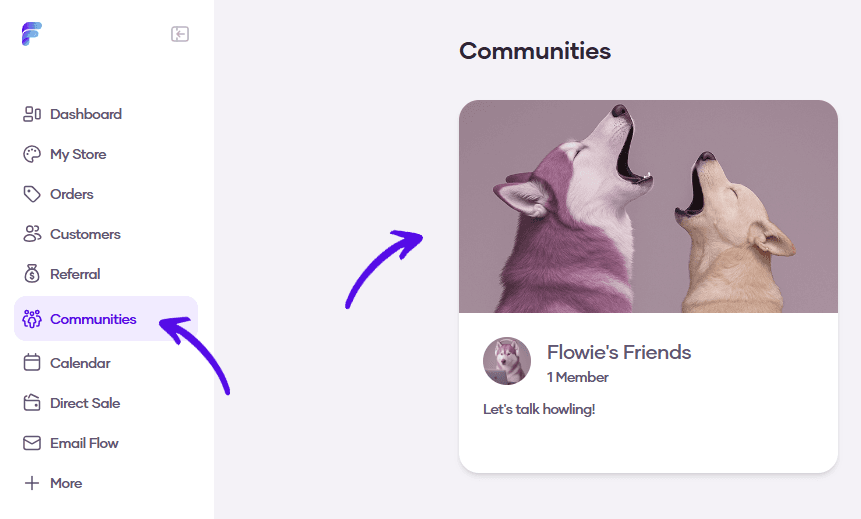
1. Go to Communities and select your community
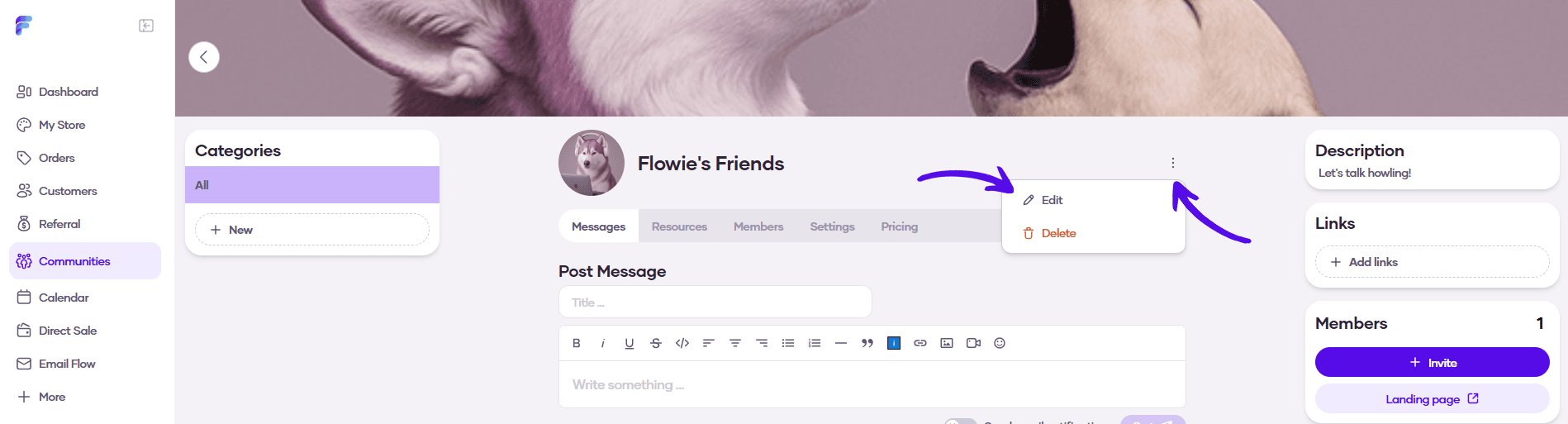
2. Click on the three dots and hit Edit
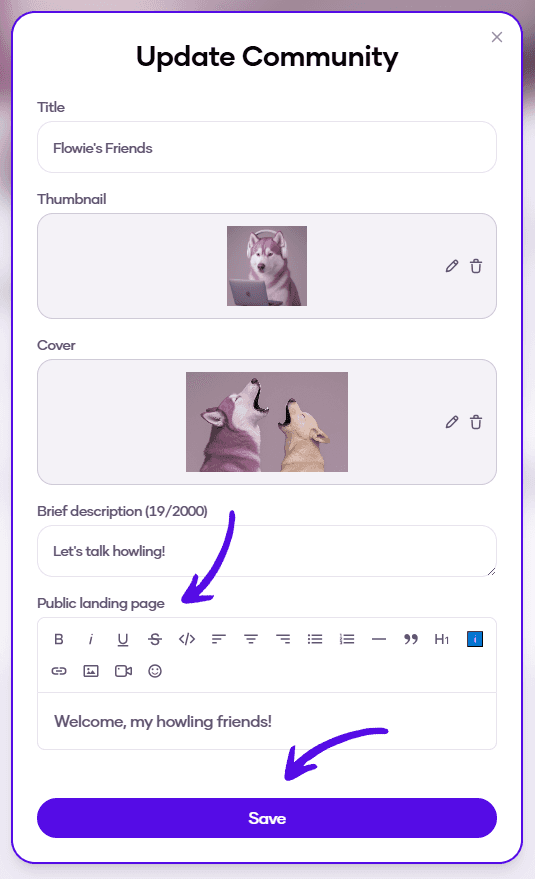
3. You can update the public landing page text in the text area at the bottom of the card. Hit Save when you're finished
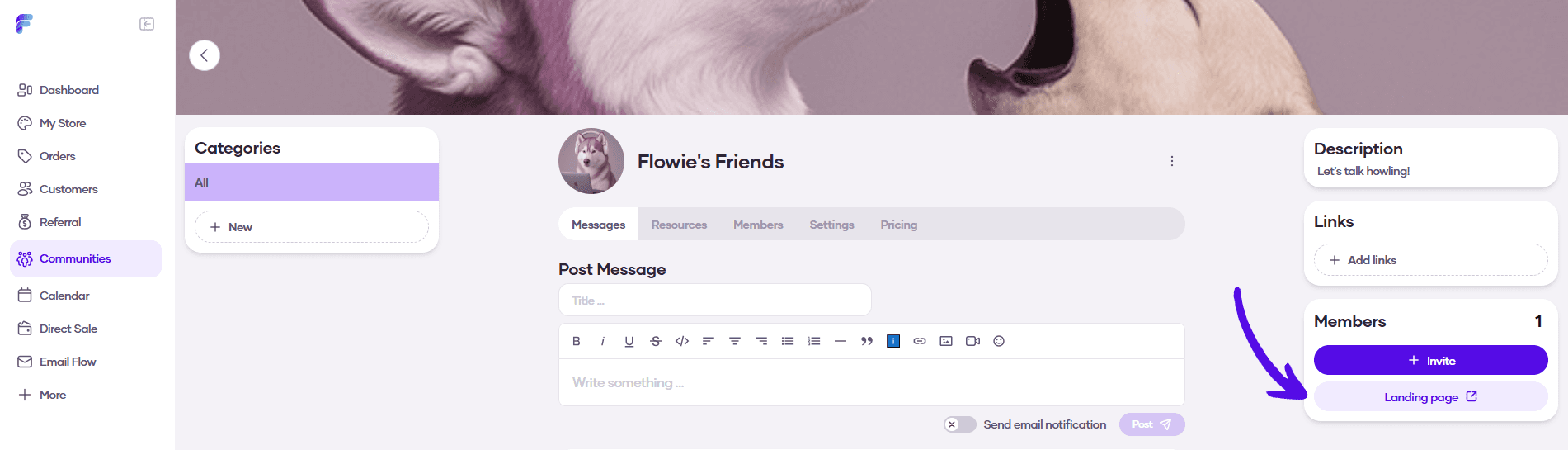
4. To check your landing page, click on the Landing page button in the right sidebar