CATEGORIES
How to Create a New Discussion Category in a Community?
You don't have to keep the whole discussion in the default discussion category. You can create new more of them, and it's up to you whether they will be available to everyone, or just to members with specific membership tiers.
Creating a new discussion category in a community
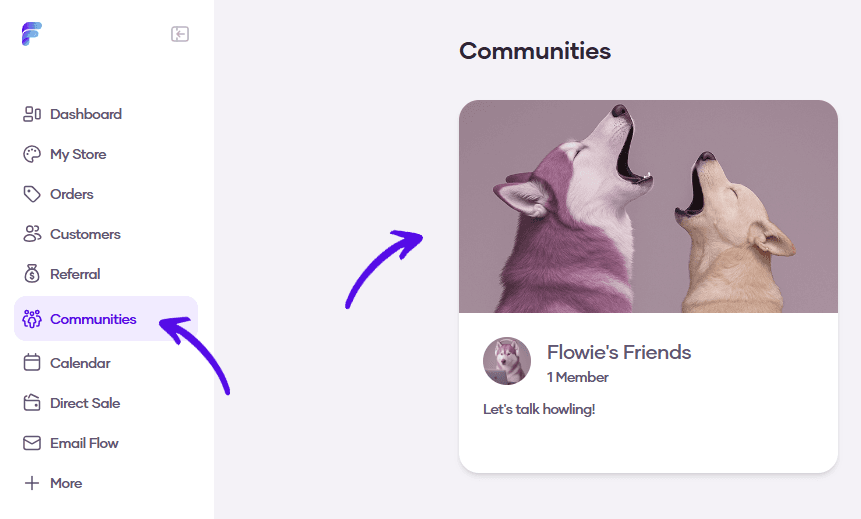
1. Go to Communities and select your community
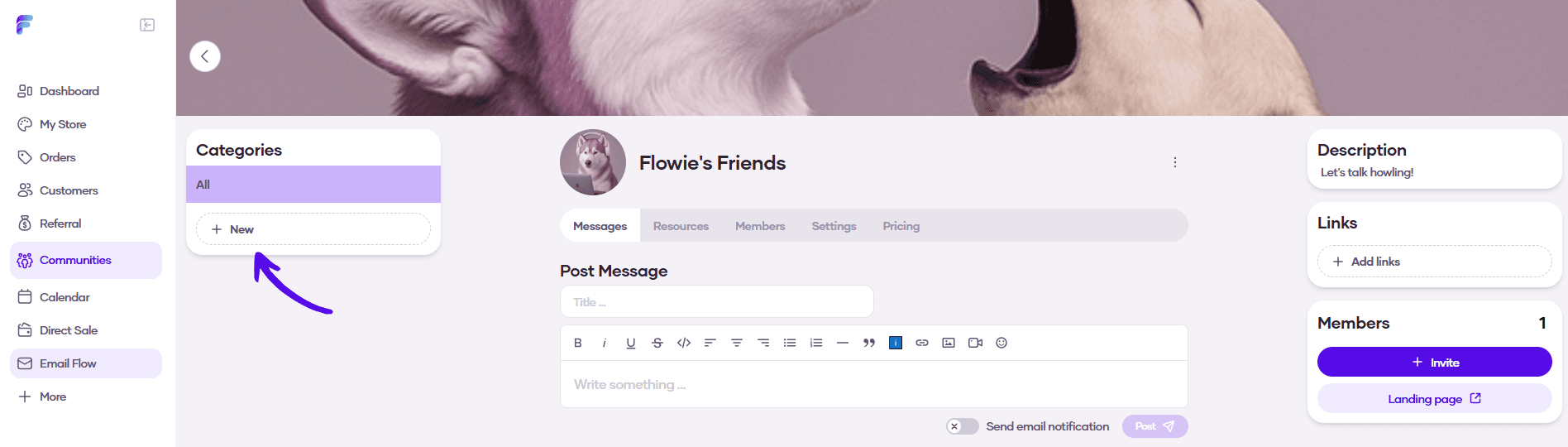
2. Click on the New button in the menu on the left
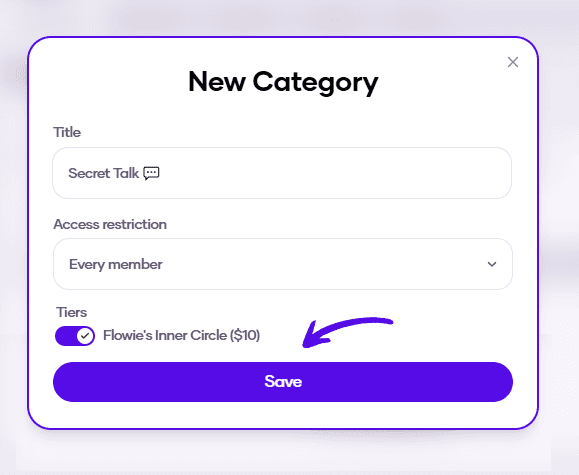
3. Enter the details of the new category. You can either make it available for all community members or only for members with specific subscription tiers. When you're finished, hit Save
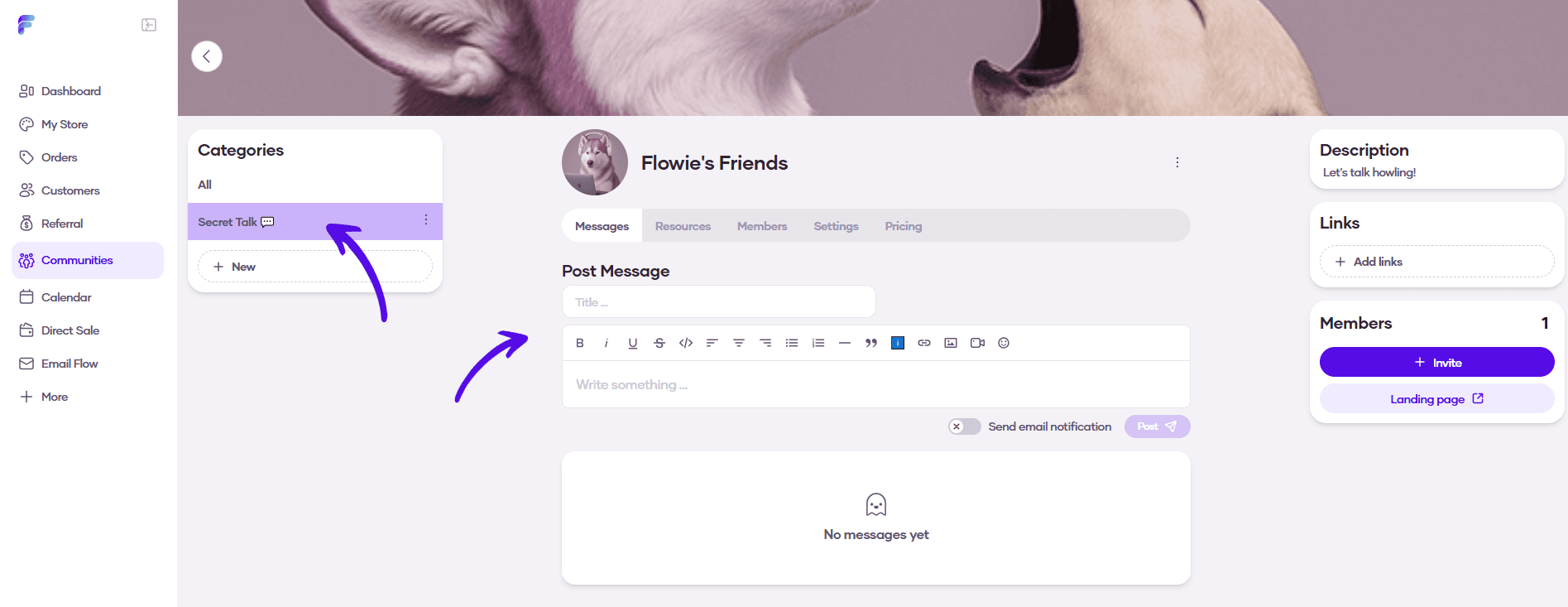
4. A new discussion category was created. You can start a discussion by creating a new message