CATEGORIES
How to Add Subscription Tiers to a Community?
Community membership tiers help you to monetize your community and offer different incentives based on how much the members are willing to pay.
Adding subscription tiers to community
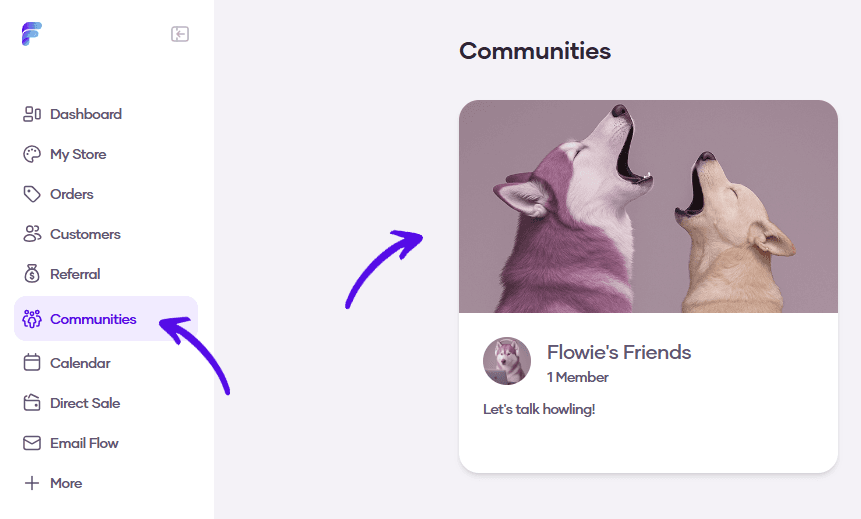
1. Go to Communities and select your community
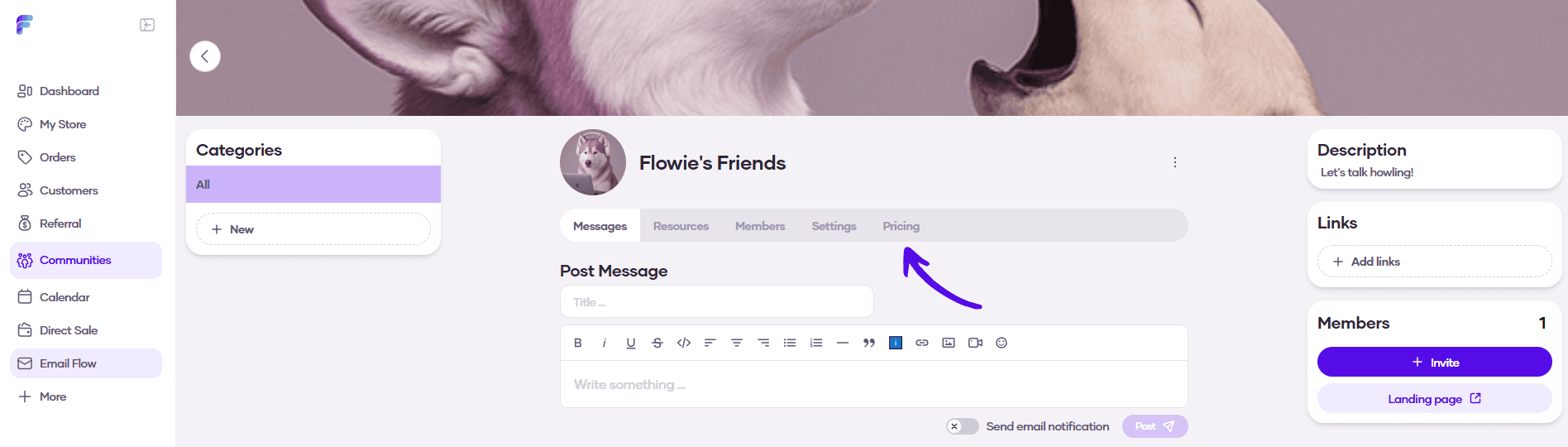
2. Choose Pricing from the community menu
3. Click on the Add tier button

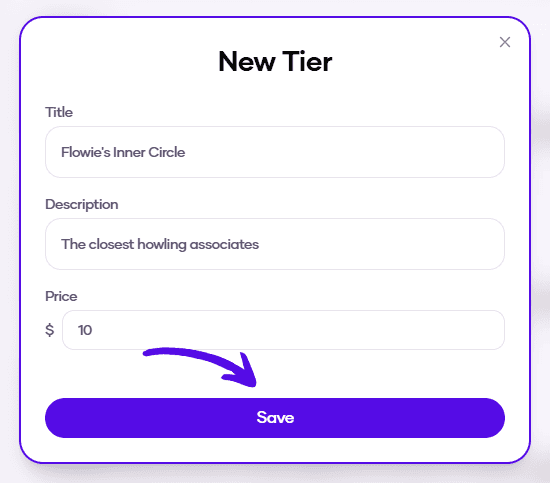
4. Type in the Name, Description, and price of the tier and hit Save
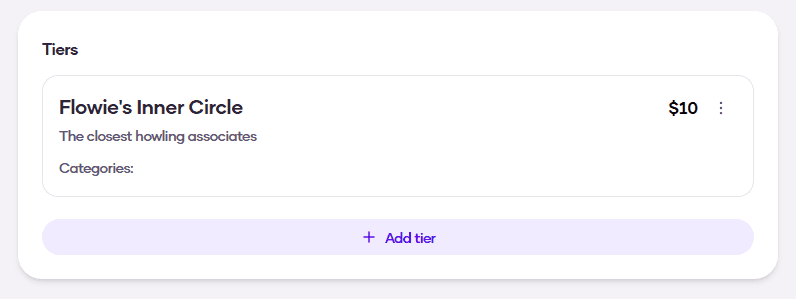
5. A new subscription tier was created