CATEGORIES
How to Add Resources to Community?
If you want to provide your members with resources like templates, files, or exclusive content, this is a place to list them.
Adding resources to community
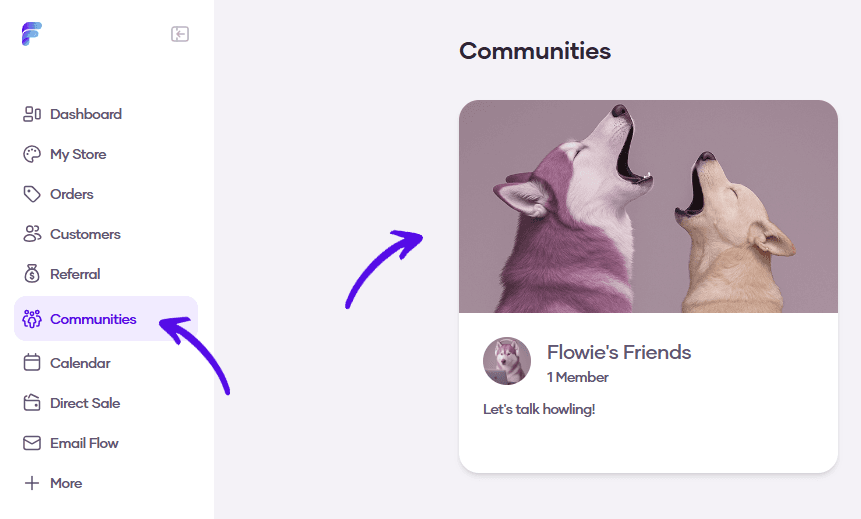
1. Go to Communities and select your community
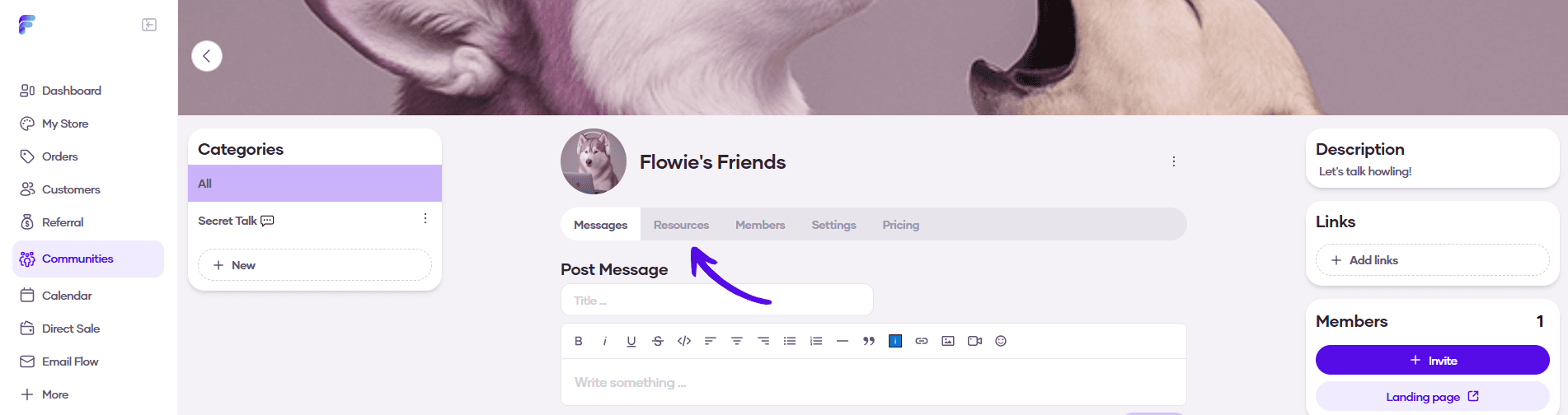
2. Go to Resources from the topbar menu
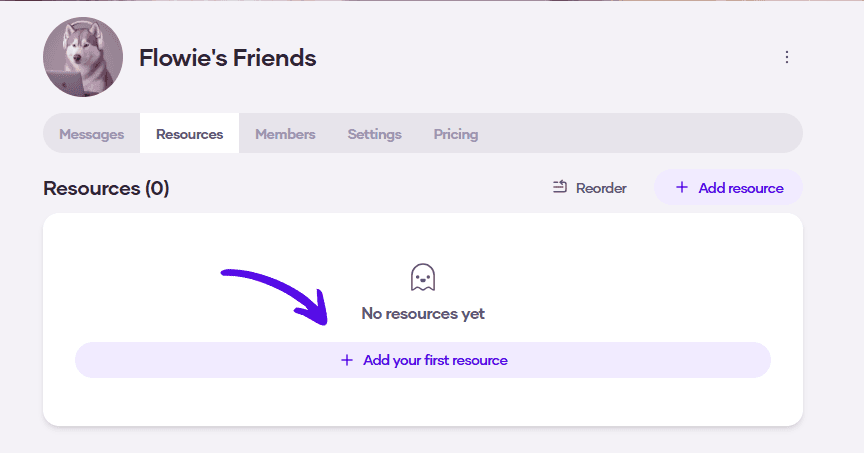
3. Click on Add your first resource
4. Enter the information about the resource. You can choose whether it's going to be visible for everyone, and also whether it's going to be available for everyone, or just selected subscription tiers. Hit Save when you're done
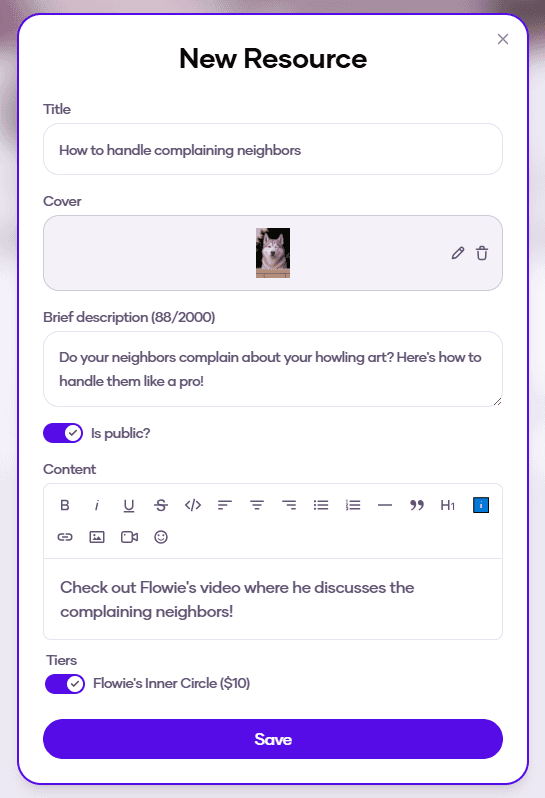
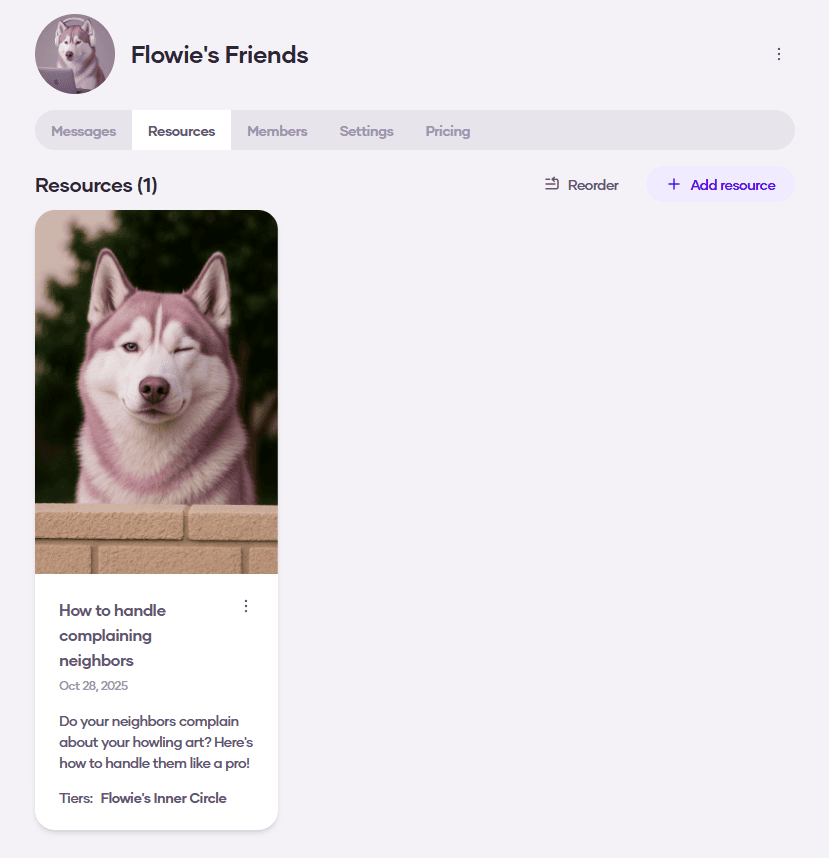
5. A new resource was created