CATEGORIES
How do Bulk Session Payouts Work?
Send invoices for hundreds of your sessions with a few clicks. All your customers will receive the invoices with payment links - without you having to spend hours issuing and sending the invoices manually.
Invoice your sessions in bulk
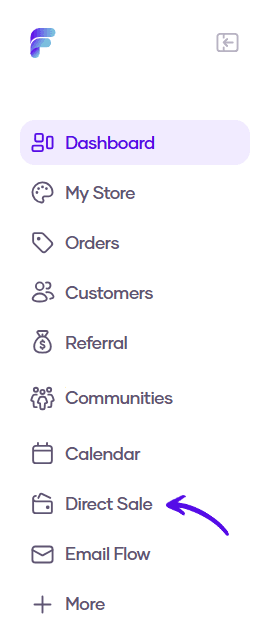
1. Go to Direct Sale in the left sidebar menu
2. Choose Bulk Session Payouts from the topbar menu

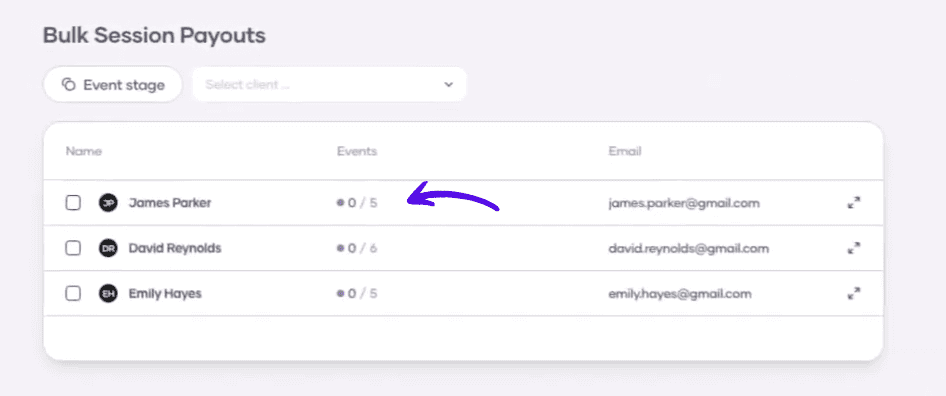
3. Click on the client name to open the list of all sessions
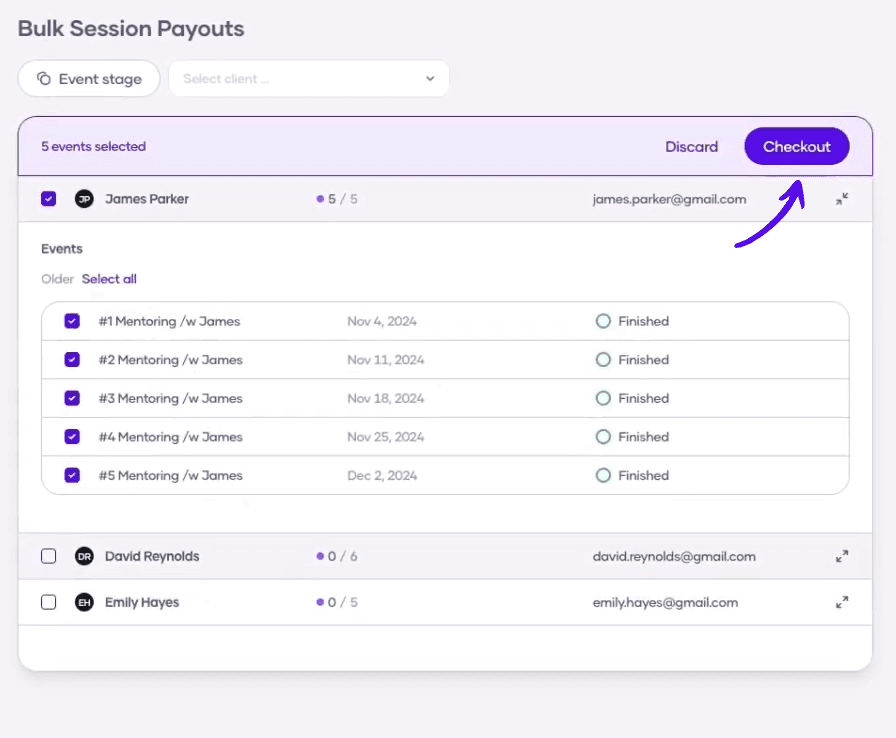
4. Choose the sessions you want to generate an invoice for. You can also select all sessions by clicking on the checkbox next to the client's name. When you're done, click on Checkout
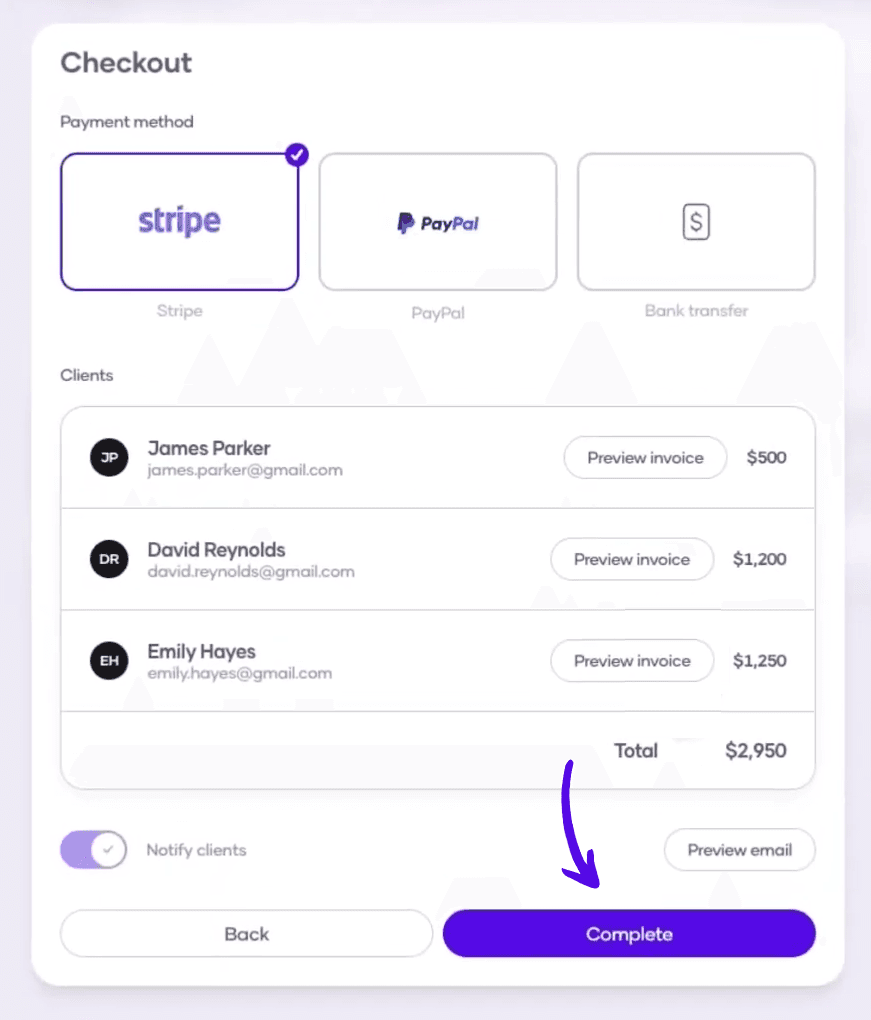
5. Here you can choose the payment method your client will have to use, review the clients and the sums you'll invoice them for, and preview or edit the email that will contain the invoice. When you have everything set up, hit Complete