How to Upgrade Appsumo plan?
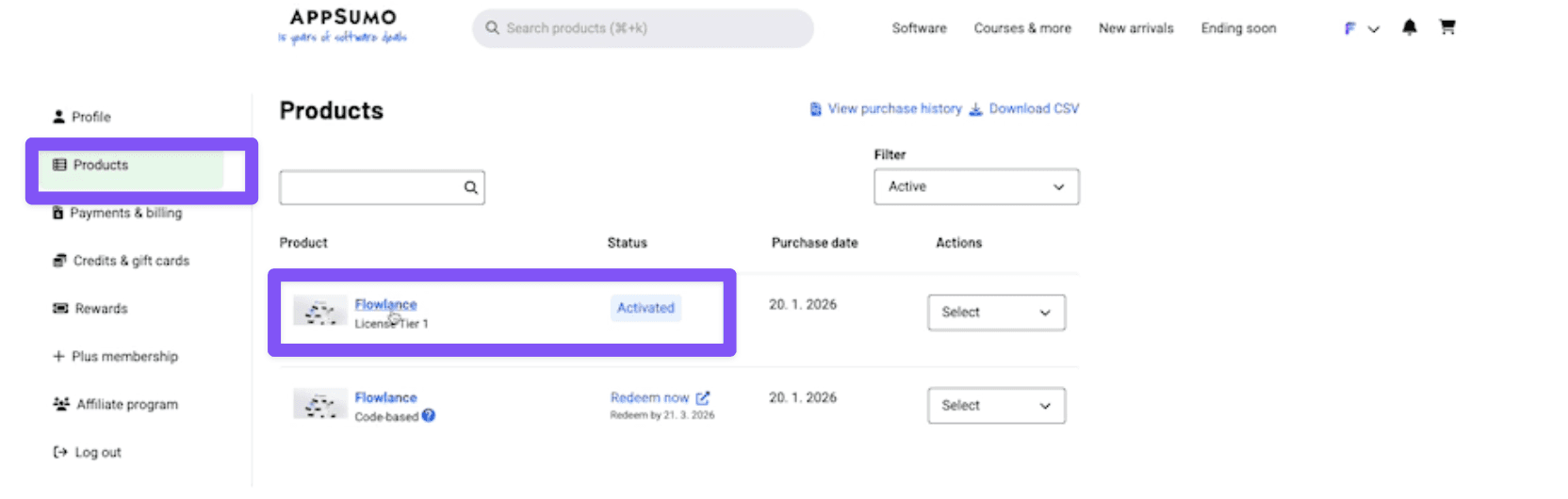
STEP 1: Go to Appsumo > Products
Go to Appsumo account and find your Flowlance purchase and click on it.
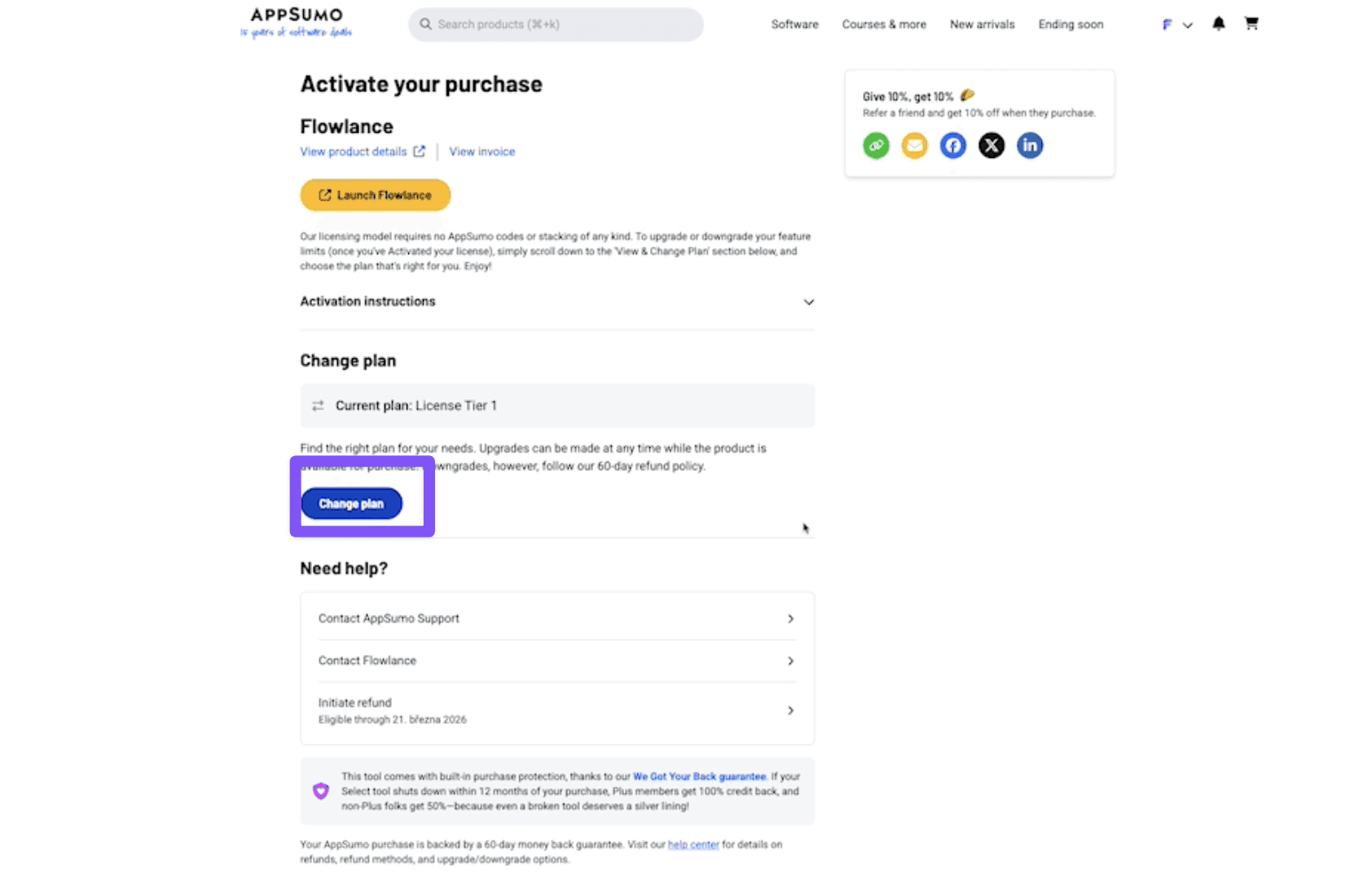
STEP 2: Change plan
Click on change plan
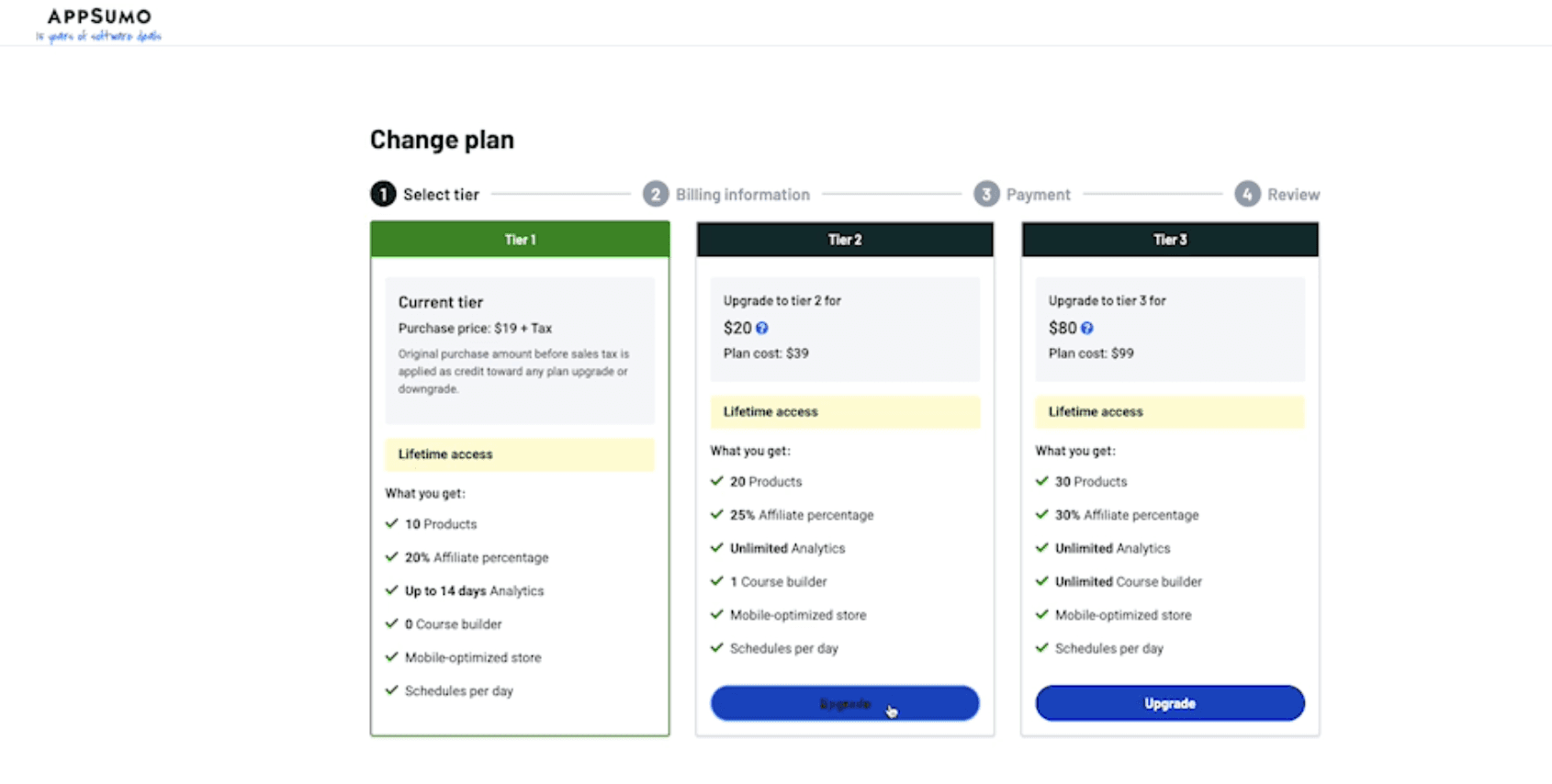
STEP 3: Select Which Plan to Upgrade
Simply choose which plan you would like to upgrade and click Upgrade and finish whole purchase process (4 Steps)
STEP 4: Check the Upgrade
After you see success message from Appsumo
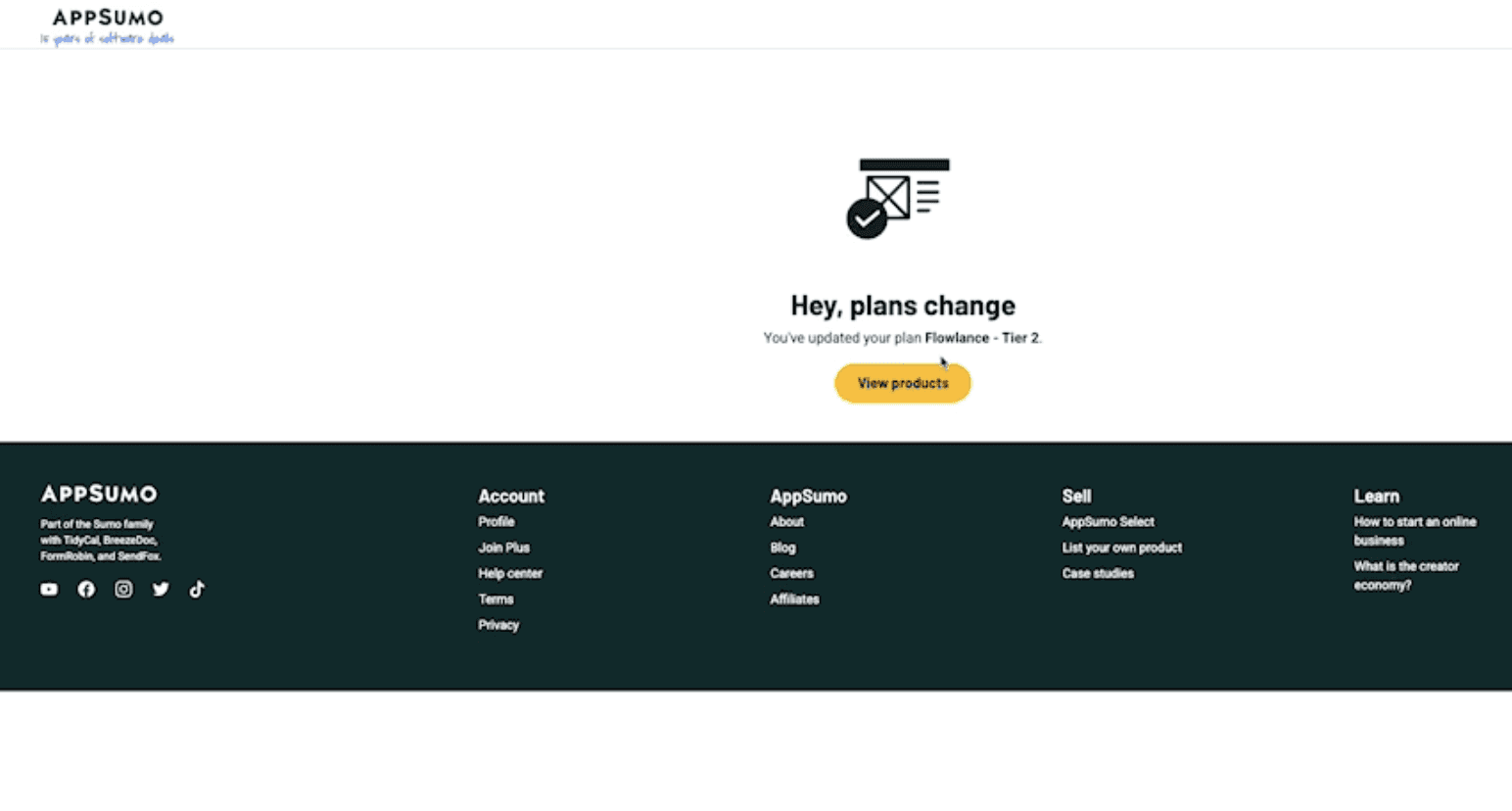
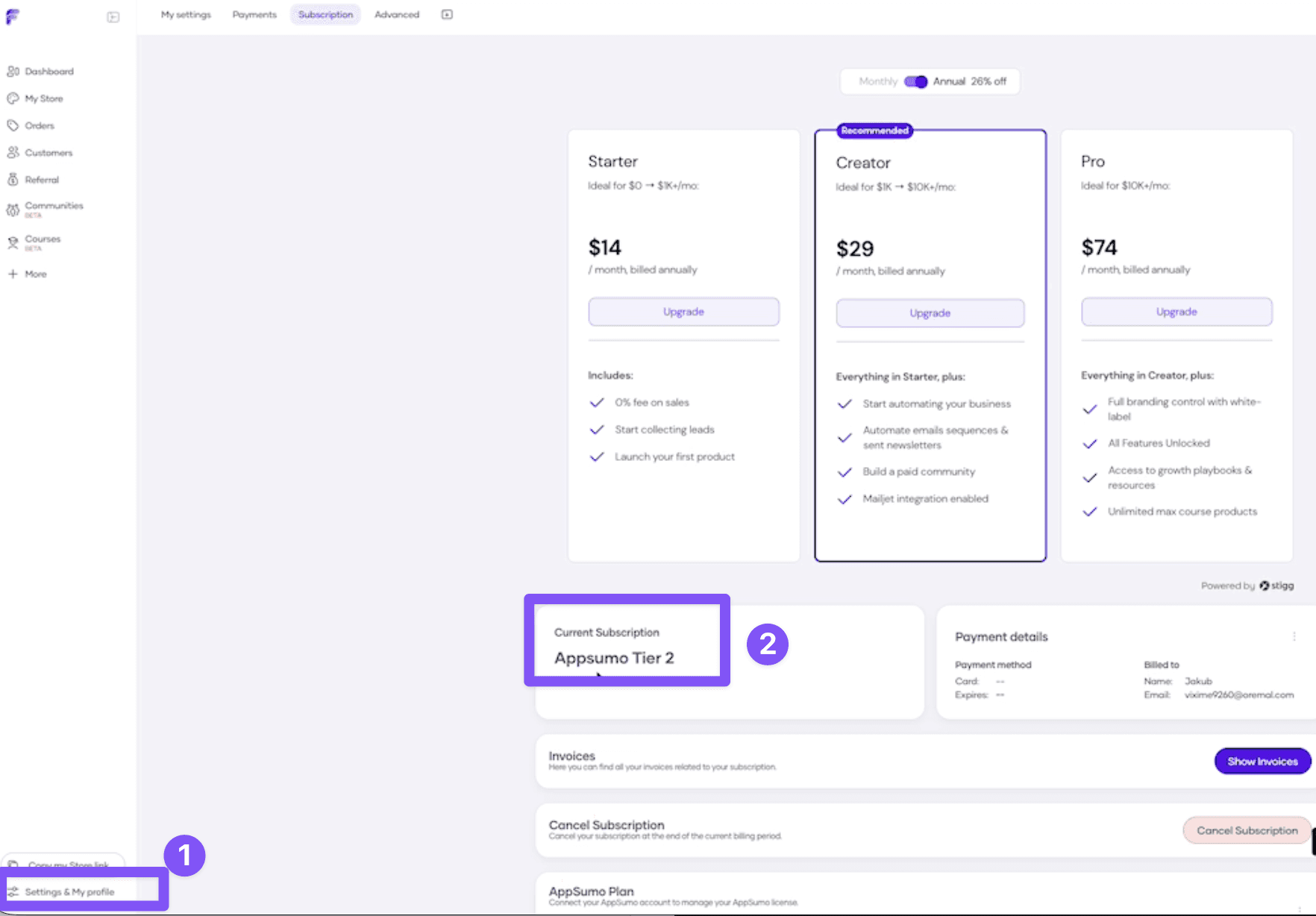
You can go to Flowlance > Settings > Subscription: refresh the page and you should see your plan updated.
If not please reach out to support while providing your Appsumo invoice.