How to Set Up Email Broadcasts?
Flowlance enables you to easily send mass emails to your customers where you can offer them a discount, let them know about an upcoming change, or use them as a newsletter.
Setting up email broadcasts
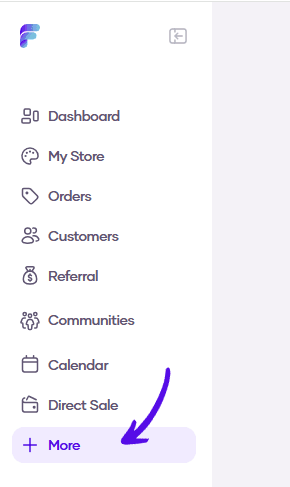
1. Go to More in the left sidebar menu
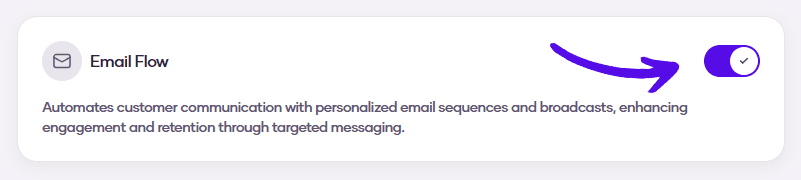
2. Turn on the Email Flow switch
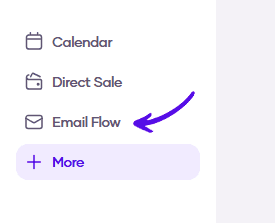
3. Go to Email Flow in the left sidebar menu
4. Choose Broadcasts from the topbar menu

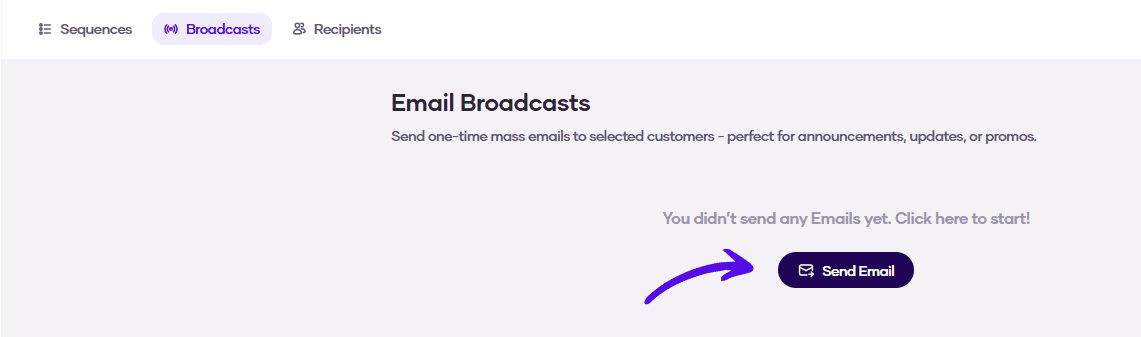
5. Click on the Send Email button
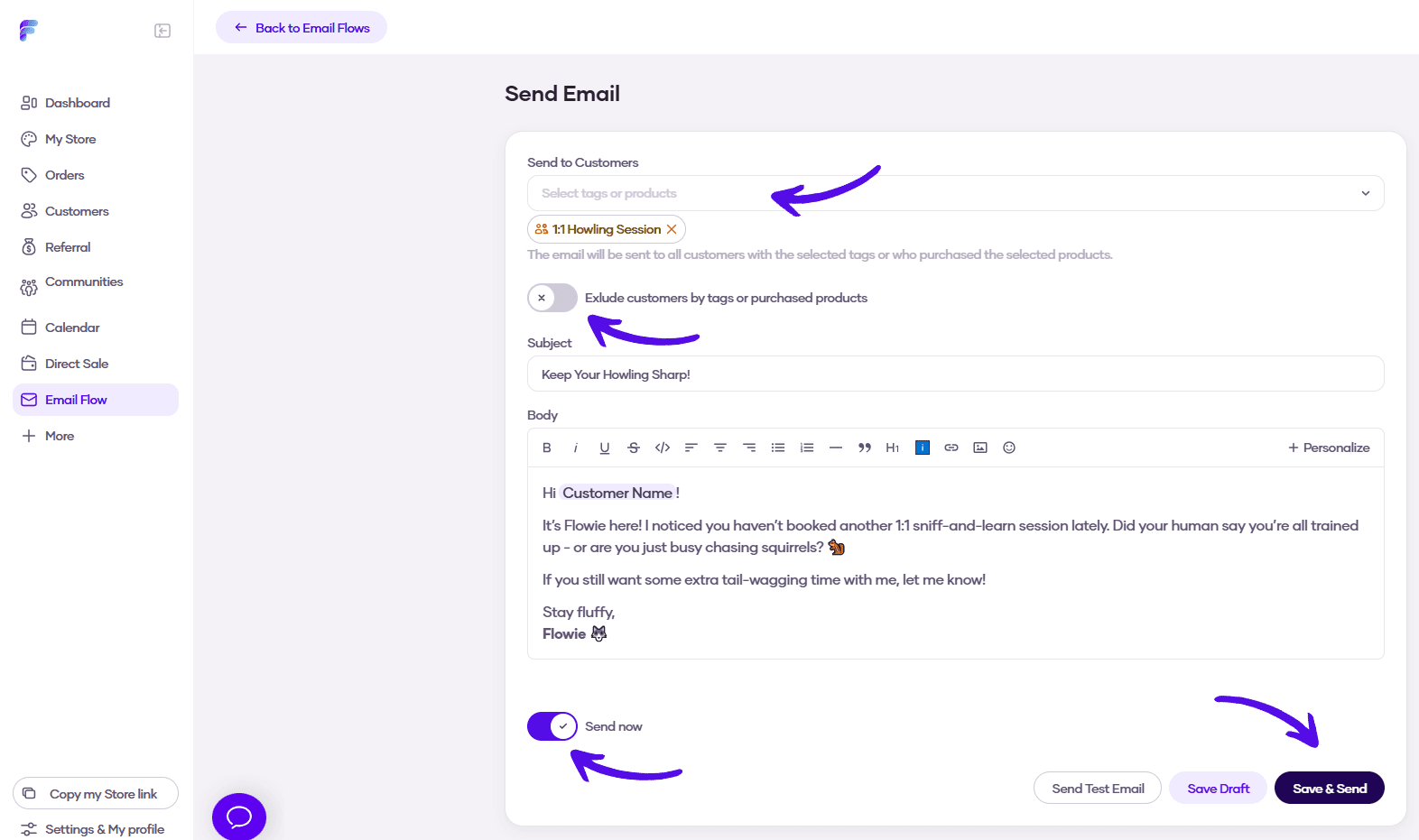
6. Write your email. You can pick the customer group you want to send your email broadcast to, and you can also choose to exclude another group from receiving the email. Then, you can send the email immediately or schedule it for later. When you are finished, click Save & Send, or Save & Schedule button which will change based on which option you choose.
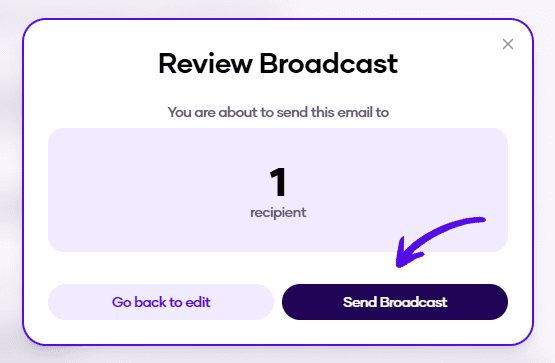
7. Finally, you will see the number of recipients of your email broadcast. If it's alright, confirm everything by hitting Send Broadcast