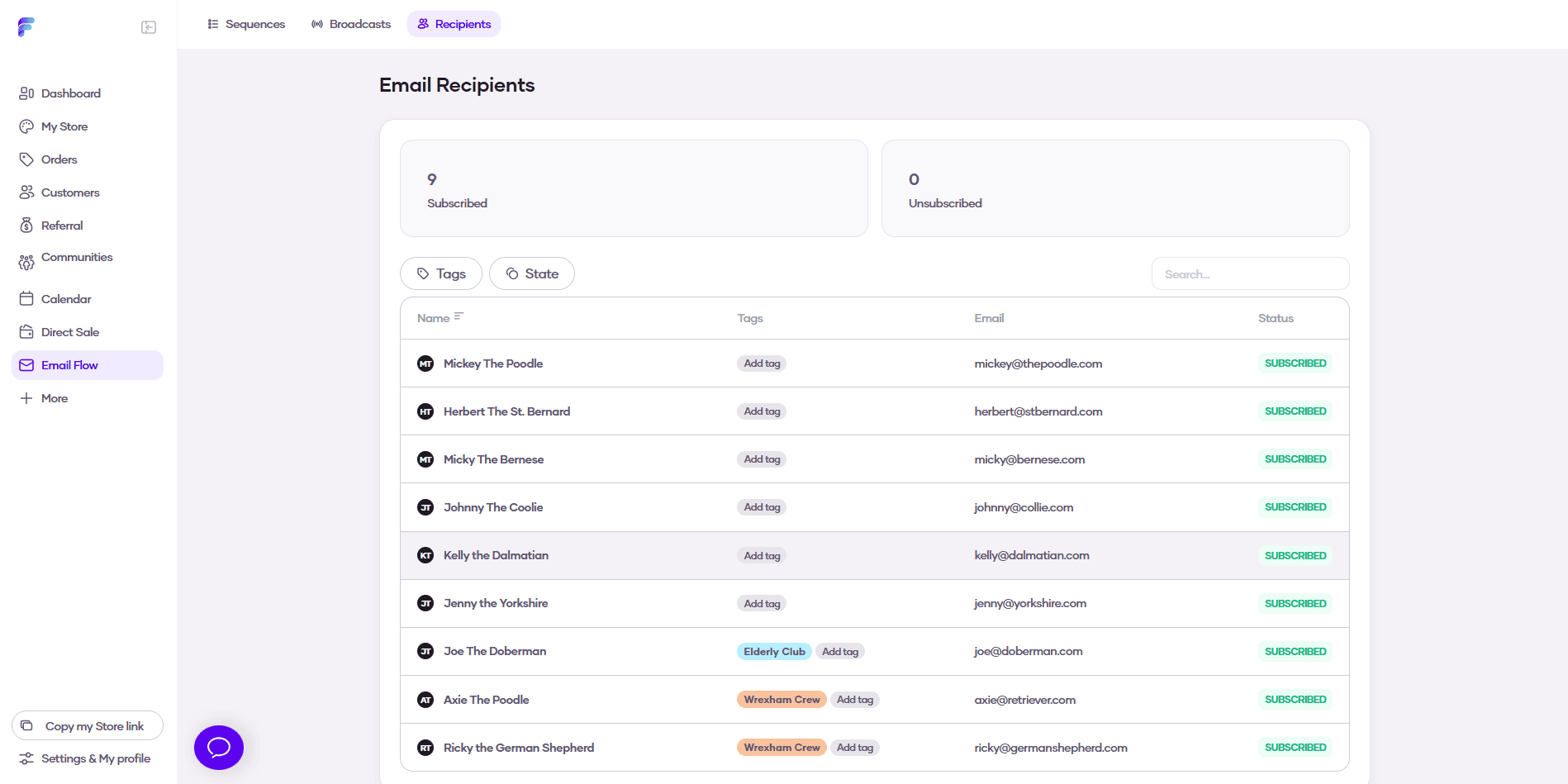
How to Segment Recipients for Emailing?
To help you better target your email campaigns, Flowlance allows you to check all your subscribed customers and segment them into groups using tags.
Segmenting recipients for emailing
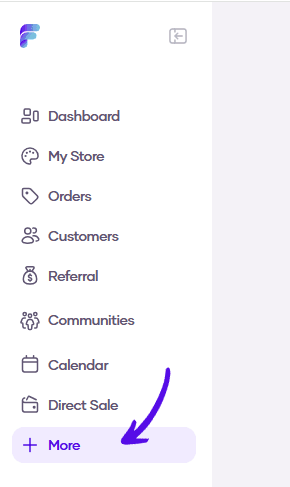
1. Go to More in the left sidebar menu
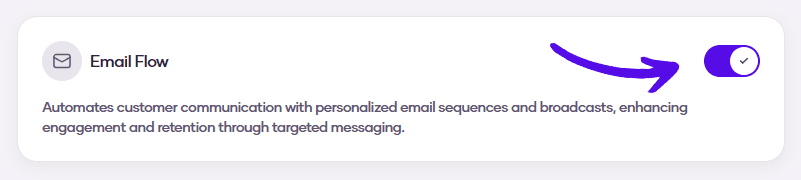
2. Turn on the Email Flow switch
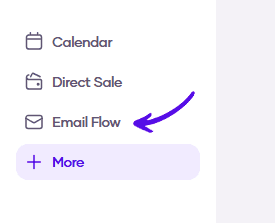
3. Go to Email Flow in the left sidebar menu
4. Choose Recipients from the topbar menu

5. Here you can review all available recipients of your emails and tag them into groups