How to Hide Flowlance Branding?
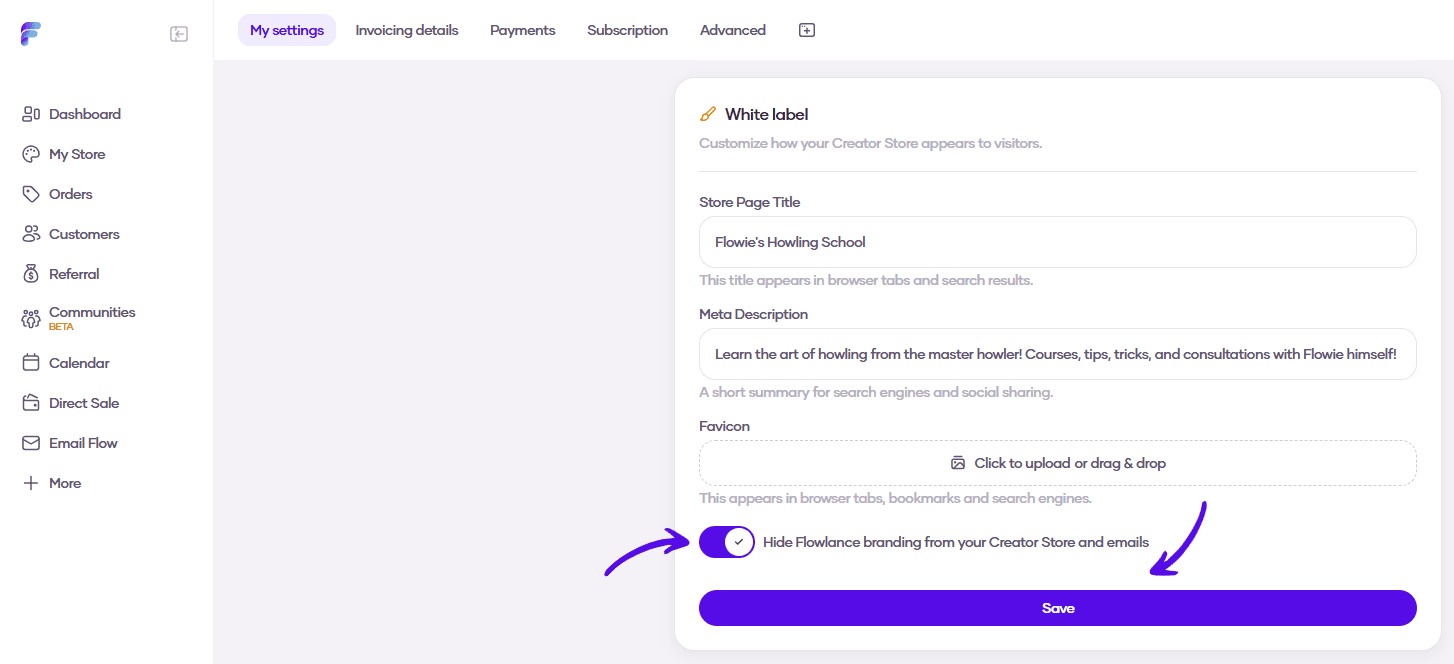
Removing Flowlance branding from your Creator Store and emails is a matter of a single click.
Hiding Flowlance branding
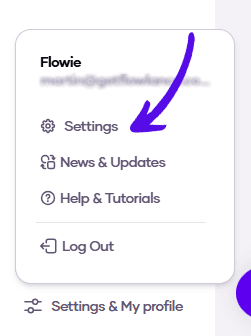
1. At the bottom of the left sidebar, click on Settings & My profile and choose Settings
2. Scroll down to the White label tab and turn on the Hide Flowlance branding switch