
How to Enable ReCaptcha in Flowlance?
Don't let spammers steal your precious time. Enable ReCaptcha to catch them all!
Enabling ReCaptcha in Flowlance
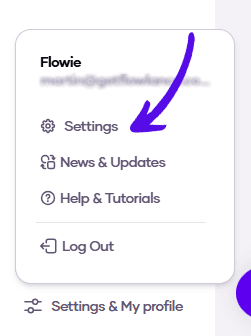
1. At the bottom of the left sidebar, click on Settings & My profile and choose Settings
2. Choose Advanced from the topbar menu

3. Turn on the switch and that's it!
