How to Connect Mailjet to Flowlance?
Use Mailjet as a 3rd party provider to handle your emails!
Connecting Mailjet to Flowlance
1. At the bottom of the left sidebar, click on Settings & My profile and choose Settings
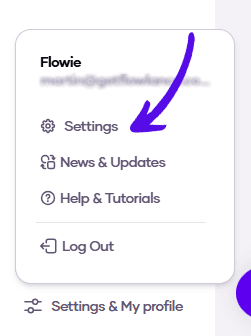
2. Choose Advanced from the topbar menu

3. Click on Connect Mailjet

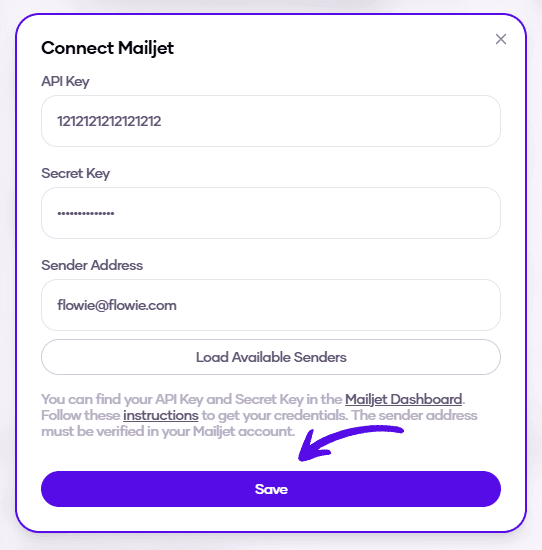
4. Enter your API key, Secret Key, and sender address. Then click Save