How to Connect Google Meet to Flowlance?
Have meeting links for your online sessions automatically generated with Google Meet!
Connecting Google Meet to Flowlance
1. At the bottom of the left sidebar, click on Settings & My profile and choose Settings
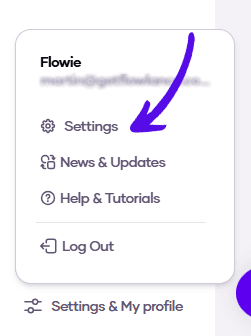
2. Choose Advanced from the topbar menu

3. Click on Connect Google Meet

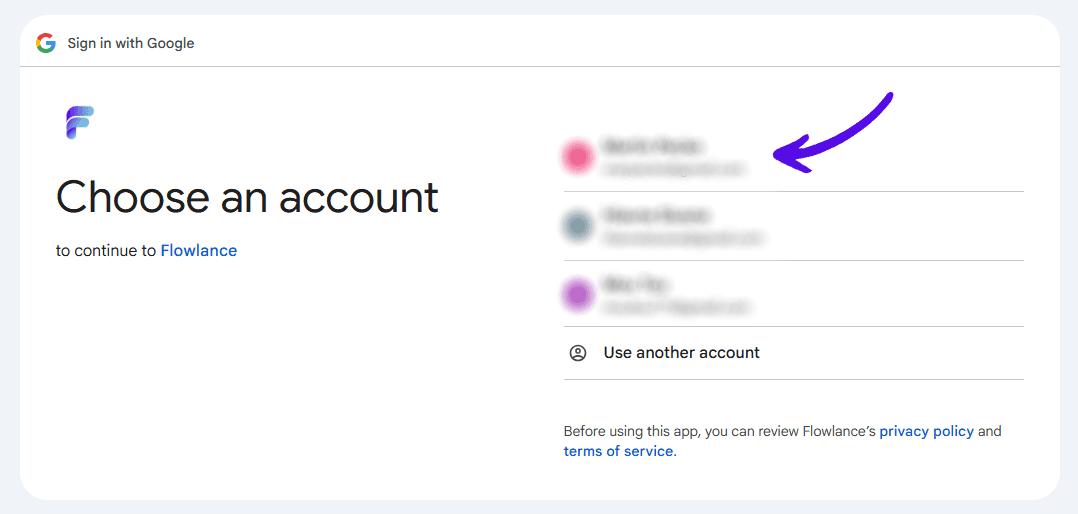
4. Choose your Google Account
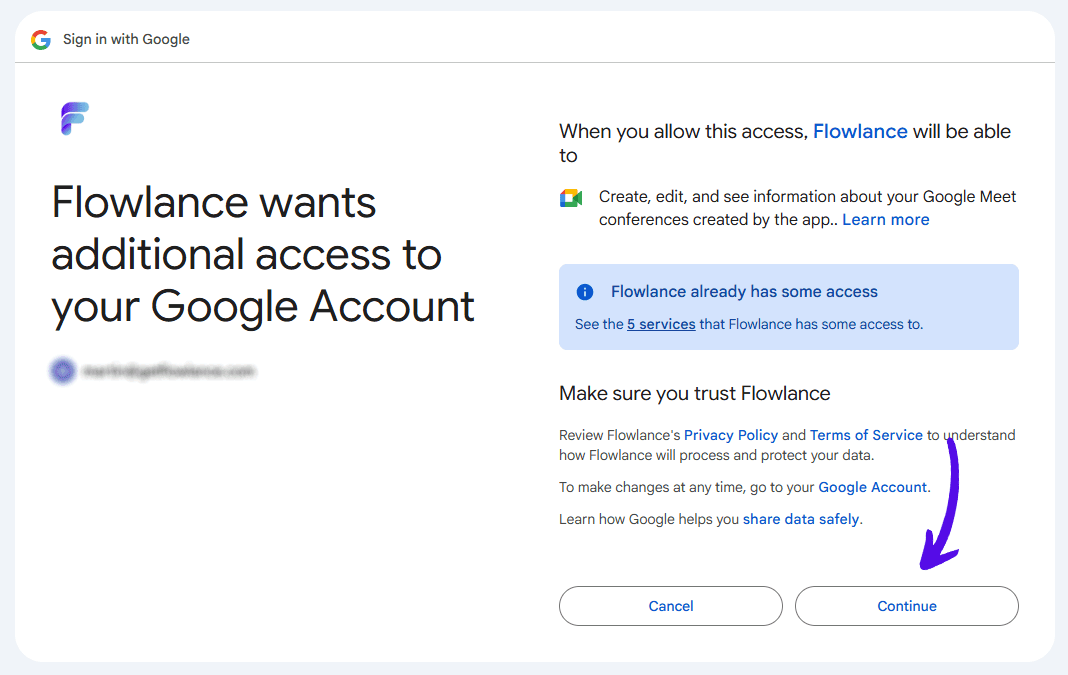
5. Approve additional access to your Google Account by clicking on Continue