How to Change Title, Meta Description, and Favicon?
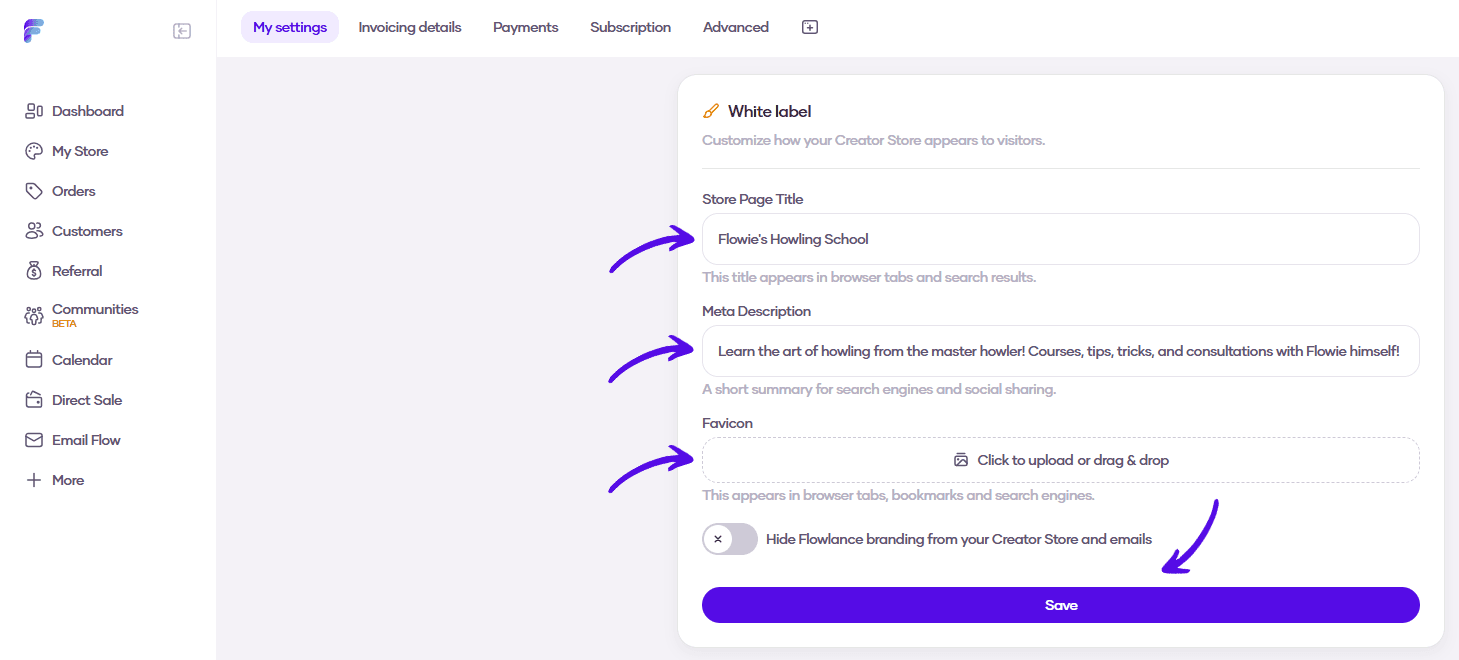
Customize your Creator Store from the SEO standpoint, too! Change your page title and meta description, and make your page tab look yours with a custom favicon.
Changing title, meta description, and favicon
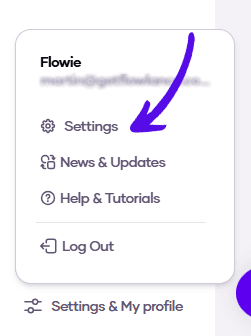
1. At the bottom of the left sidebar, click on Settings & My profile and choose Settings
2. Scroll down to the White label tab, where you can enter your custom Store page title, meta description, and upload a custom favicon. When you're finished, just hit Save