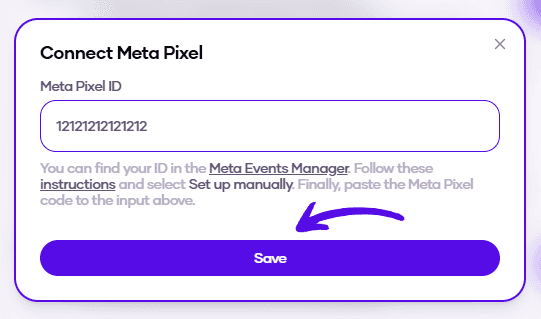
How to Add Meta Pixel to Flowlance?
Running Meta Ads requires you to add Meta Pixel to your Creator Store. With us, it's super easy!
Adding Meta Pixel to Flowlance
1. At the bottom of the left sidebar, click on Settings & My profile and choose Settings
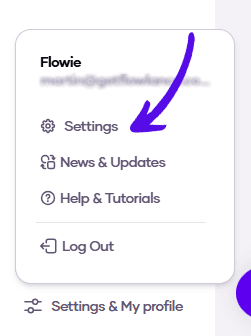
2. Choose Advanced from the topbar menu

3. Click on Connect Meta Pixel

4. Enter your Meta Pixel ID and hit Save