How to Add Custom Terms of Service?
Default Terms of Service are always displayed at the bottom of your Creator Store. If you need to edit them, you can.
Adding custom Terms of Service
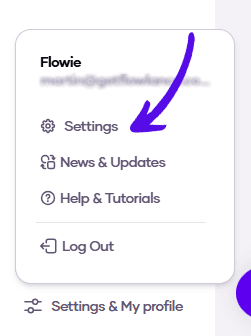
1. At the bottom of the left sidebar menu, click on Settings & My profile and choose Settings
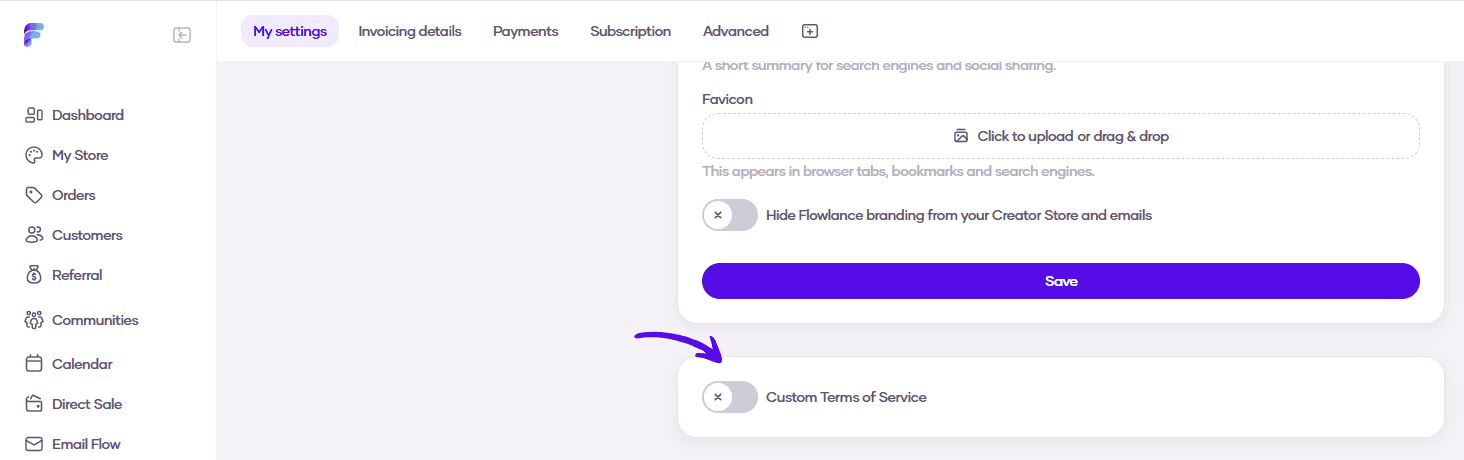
2. Scroll down to Custom Terms of Service and turn on the switch
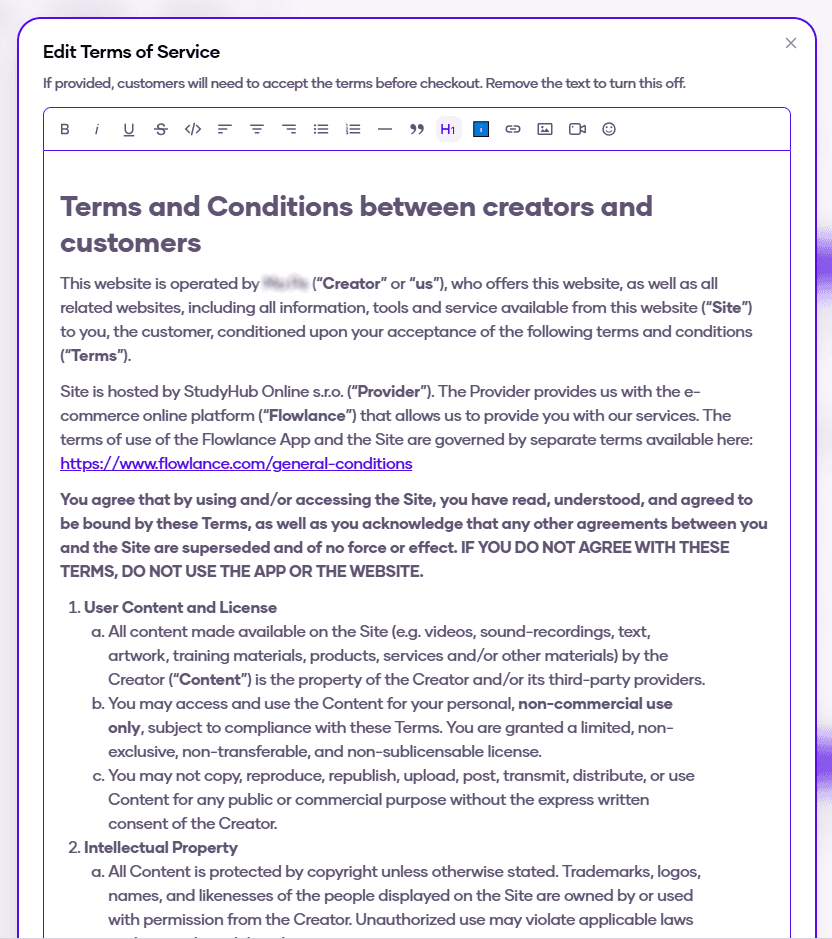
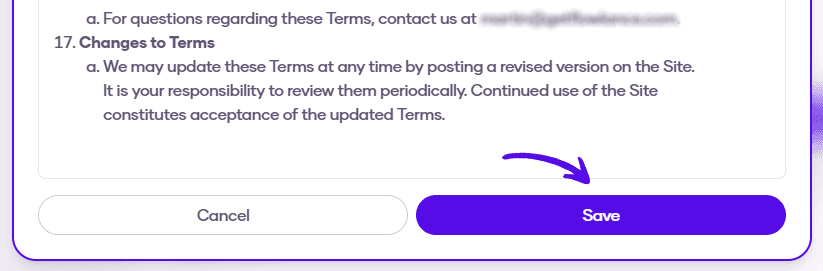
3. Edit the Terms of Service as you wish, and then hit Save